Password Protect Directories in cPanel
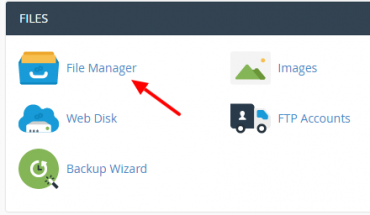
Learn how to limit access to a certain part of your site by requiring a user name and password to access a folder or folders from the web. Click on File manage to set a username or password for the…


Learn how to limit access to a certain part of your site by requiring a user name and password to access a folder or folders from the web. Click on File manage to set a username or password for the…
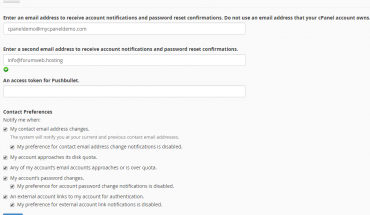
On cPanel control panel homepage, Click on your account name and click on Contact Information Enter an email address to receive account notifications and password reset confirmations. Do not use an email address that your cPanel account owns. Enter a second…
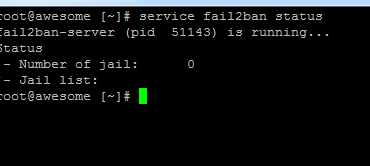
Login with PuTTY SSH or the console in the control panel as root and install fail2ban through the following steps: – Download the RPM repository for fail2ban: rpm -Uhv http://mirrors.ircam.fr/pub/fedora/epel/6/i386/epel-release-6-8.noarch.rpm yum install epel-release yum install fail2ban Type Y, and then…
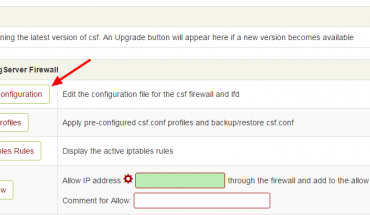
On a VPS you get full control over your server, it means that you are responsible for updates, security, configuration of your server. To fully protect your server, you can install a firewall as CSF. This software is totally free…
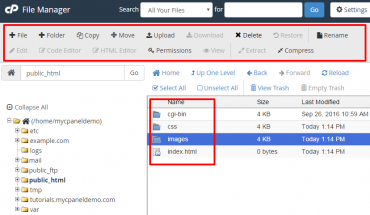
Quickly manager all of your files and folders with the new File Manager. Scroll to FILES section in cPanel control panel and clicking on File Manage to manage your files and folders for your websites. At this page, you will…
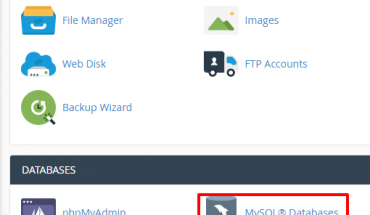
After logged into cPanel, you click on MySQL Databases icon Create a new MySQL database In New database: you type your database name Add a new user for your database that created before Type your username and password. Click Create…