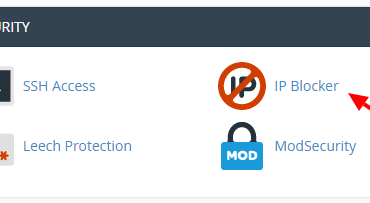
Using IP Blocker in cPanel
Block a range of IP addresses or a domain name to prevent them from accessing your site. For one reason or another, to detect a suspicious IP like xxx.xxx.xxx.xxx and you want to block it which will not allow to…


Block a range of IP addresses or a domain name to prevent them from accessing your site. For one reason or another, to detect a suspicious IP like xxx.xxx.xxx.xxx and you want to block it which will not allow to…
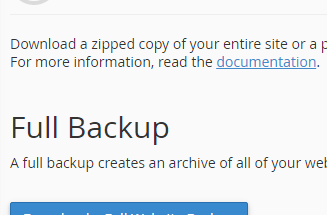
Download (to your computer) a zipped copy of either your entire site (your home directory, databases, email forwarders configuration, email filters configuration) or one of the previously mentioned parts of your site. After logged into your cPanel, click on Backup…
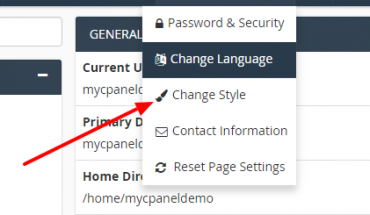
This post will guide you on changing the look and feel of cPanel to fit your personal style. Login to your Cpanel, on the right corner, you hove on your account name and click Change Style The next screen will show…
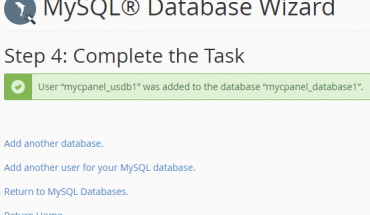
In databases table on cPanel homepage, click on MySQL Database Wizard At step 1: Create a database, you need to add your database name into New Database field Click Next step to continue At step 2, adding username, password…
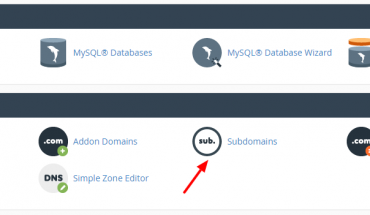
In cPanel, click on Subdomains icon to create a subdomain Type your desired name in subdomain field, cPanel will automatically fill data into document root Click Create to create a new subdomain. After finished, you can see your new subdomain…
Thức ăn cho cá rất khác nhau. Một số người ăn chay nghiêm ngặt, chăn thả chỉ có thực vật thủy sinh, trong khi những người khác là loài ăn thịt tinh khiết và chỉ ăn thịt. Nhiều loài ăn tạp, thích một chút của tất cả mọi thứ trong chế độ ăn uống của họ.

For security risks to minimize it is advisable to always run the latest software on your VPS with Ubuntu 16.04. All packages are fairly easy to upgrade by performing two commands: sudo apt-get update sudo apt-get upgrade Also keep in…

To uninstall fail2ban just follow these instructions. Uninstall just fail2ban sudo apt-get remove fail2ban This will remove just the fail2ban package itself. Uninstall fail2ban and its dependencies sudo apt-get remove –auto-remove fail2ban This will remove the fail2ban package and any…
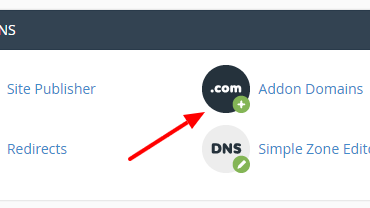
Normally, when you buy a hosting package, the hosting provider will give you a cPanel account and request that you provide a domain name (main domain), then this will be used for hosting primary domain. However, if you choose a…
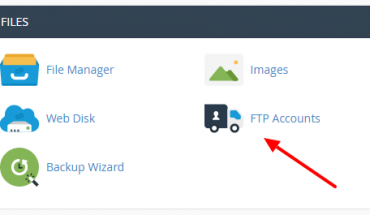
How to Create an FTP Account in cPanel and access your web site’s files through a protocol called FTP. After logged into your cPanel, click on FTP accounts icon to process to the page It will redirect you to…